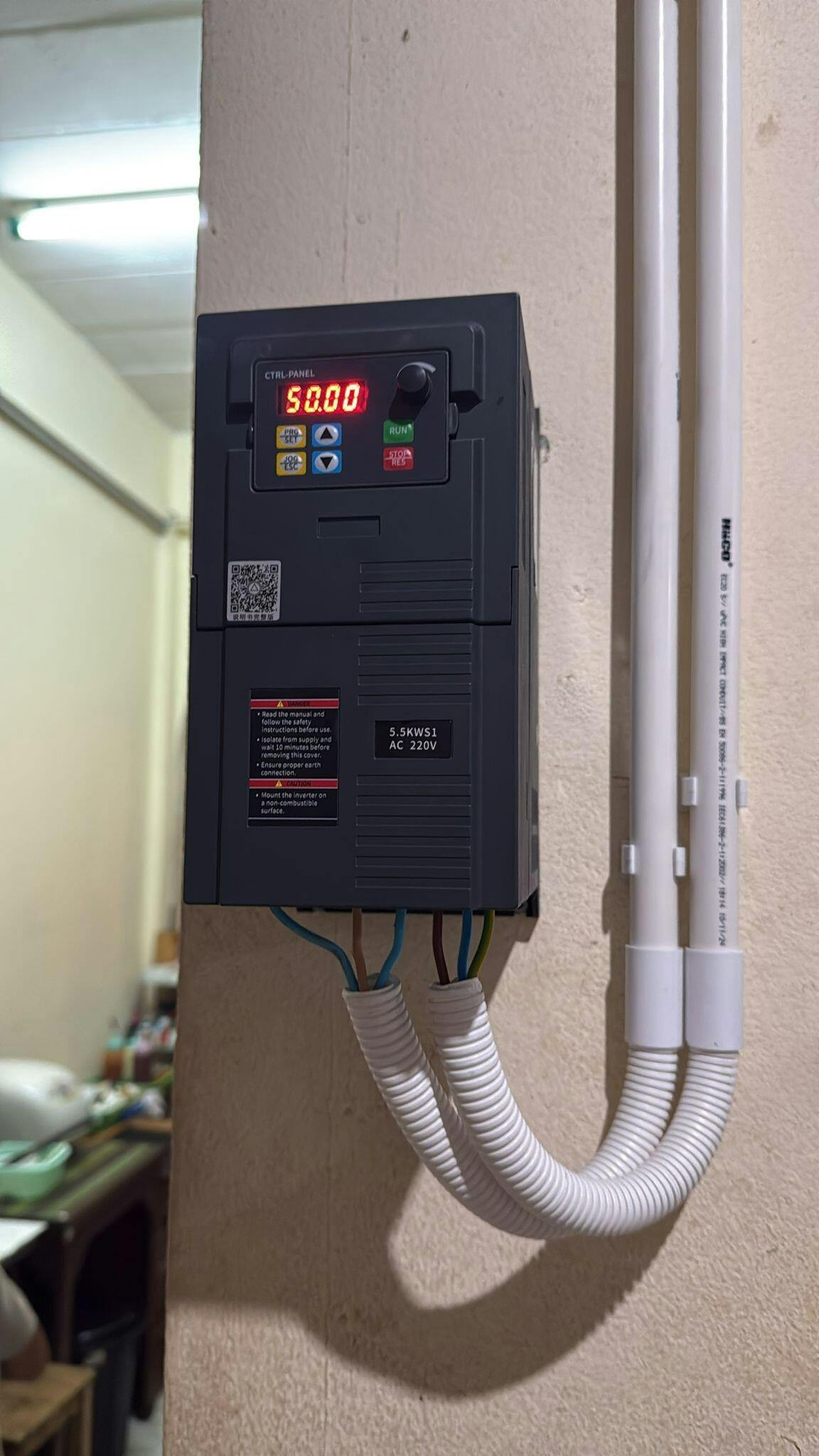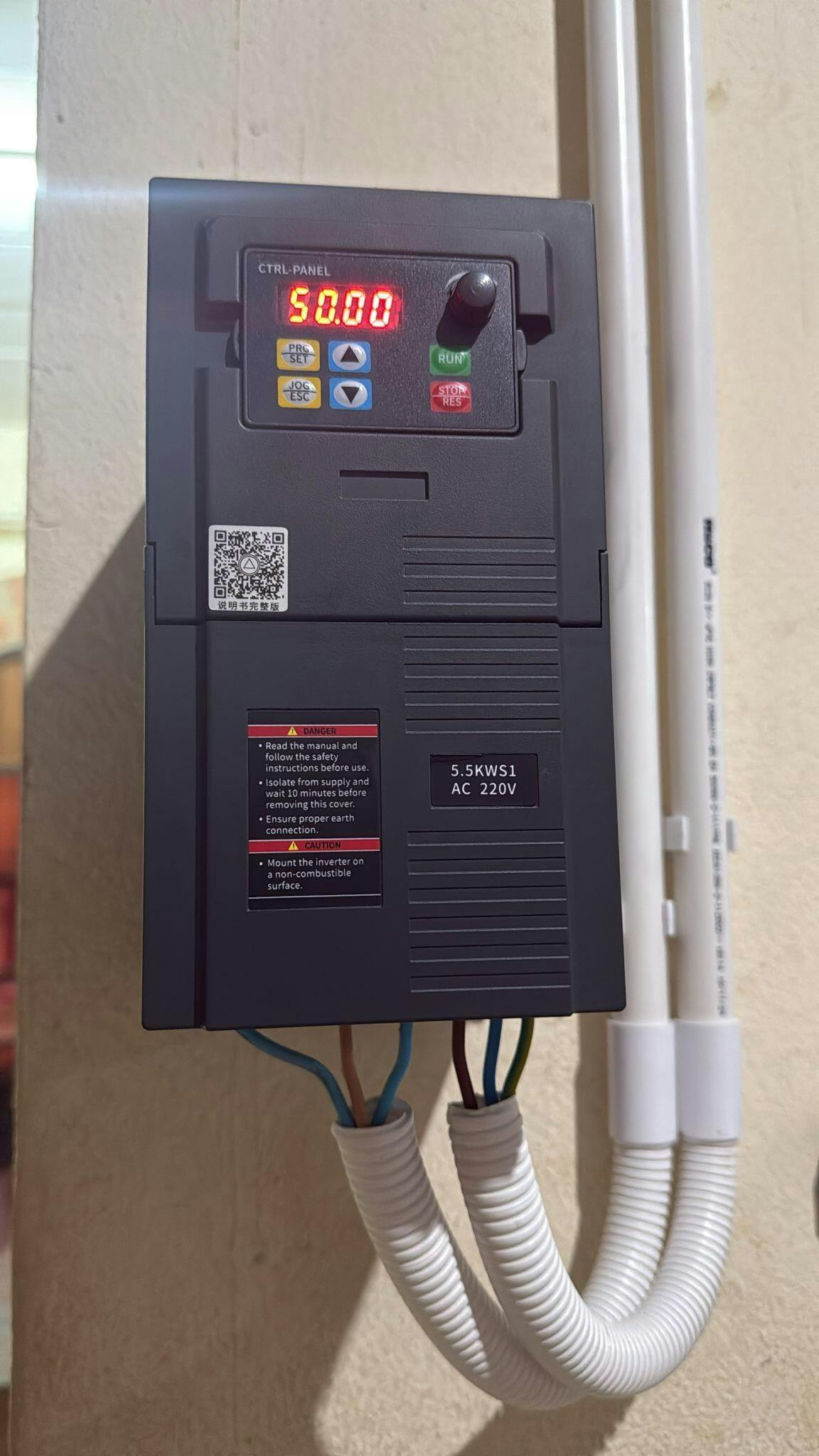
A320S1 VFD 220V Single-Phase In 3-Phase Out 0.4–5.5kW Motor Control

$101.43

Free Shipping

Type:

220V Single-phase In, 220V Three-phase out

Power Rating

SKU:

A320S1-P4

Features

• Input phase: 1 phase

• Input voltage: 200 - 240V

• Input frequency: 50/60Hz

• Control method: V/F, SVC

• Output phase: 3 phase

• Output voltage: 0 - 220V

• Output frequency: 0 - 400Hz

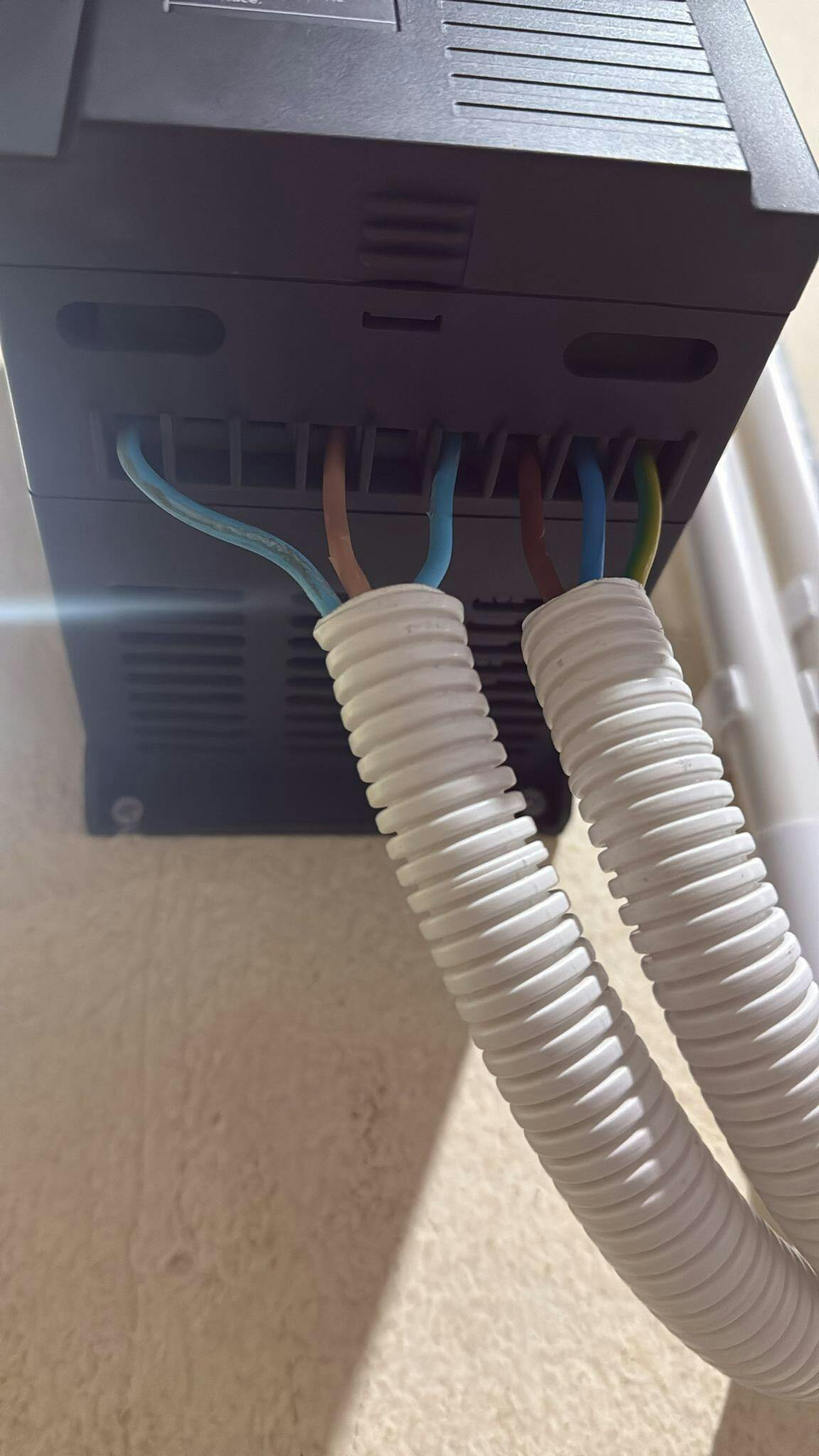
Terminals and Wirings

• L, N: converter source, single-phase 220V

• U, V, W: connected to your motor for driving

• PE: Grounding

• AVI: 0-10 signal input

• ACI: 4-20mA analog input

• 10V: power supply for setting potentiometer

• AO: Analog output signal, set by parameter F6.10

• GND: 0 potential, common terminal for input and output signals

• X1: Digital input, set by parameter F5.02, the default value is "forward"

• X2: Digital input, set by parameter F5.03, the default value is "reverse"

• X3: Digital input, set by parameter F5.04, the default value is "multi-speed first"

• X4: Digital input, set by parameter F5.05, the default value is "multi-speed second"

• X5: Digital input, set by parameter F5.06, the default value is "external reset signal"

• TA, TB, TC: relay output, set by parameter F5.07, capacity AC 250V/3A or DC 24V/2A

A320S1 Control Panel

• PRG/SET: it is used to read and modify parameters; press it to enter the parameter group or display the parameter value

• JOG/ESC: it is used for jog operation of VFD or return of parameter setting

• UP/DOWN: the keys for value modification

• RUN: in panel mode, it is the key used to start the VFD

• STOP/RES: in panel mode, it is the key used to stop the VFD

• Speed knob: control the value of frequency and motor speed

• Display screen: show the current status or parameter values

How to Start and Stop the Motor

1. Through the Control Panel

• Parameter F0.02=0

• Press the green button "RUN" to start the motor,  and press the red button "STOP" to stop the motor.

• The motor runs forward by default, if you want to reverse the motor, please realize it through the following ways.

2. Through the Input Terminal

2.1 Two-wire Control Mode

• X1 on, motor forward 
• X2 on, motor reverse 
• X1 or X2 off, motor stops.

• Parameter F0.02=1

2.2 Three-wire Control Mode

• X1 on, motor forward 
• X2 on, motor reverse 
• X1 or X2 off, motor keeps running 
• X3 off, motor stops working

• Parameter: F0.02=1, F5.04=5, F5.00=2

How to Adjust Frequency and Motor Speed

• Parameter F0.03 sets the way to adjust the VFD output frequency

• The default value is 4, and the frequency is adjusted by the Speed Knob on the control panel

• When the value is 2, the frequency is adjusted by AVI input (0-10V)

• When the value is 3, the frequency is adjusted by ACI input (4-20mA)

• When the value is 1, the frequency is adjusted by UP/DOWN, and each step is Parameter F0.07

Customer Reviews

Based on 1 review
100%
(1)
0%
(0)
0%
(0)
0%
(0)
0%
(0)
E
Edwin Aquino
Helpful Support and Easy Fix

I bought the A320S1 VFD to run a large fan in my guesthouse. After installation the fan wouldn’t run, so I contacted support. They spotted the issue right away — my UVW wiring order was wrong. I swapped two wires as they suggested, and the fan worked perfectly. Great support!